Add Raw MS Data
The “Add Raw MS Data” function allows you to add unanalyzed sample data without changing existing results.
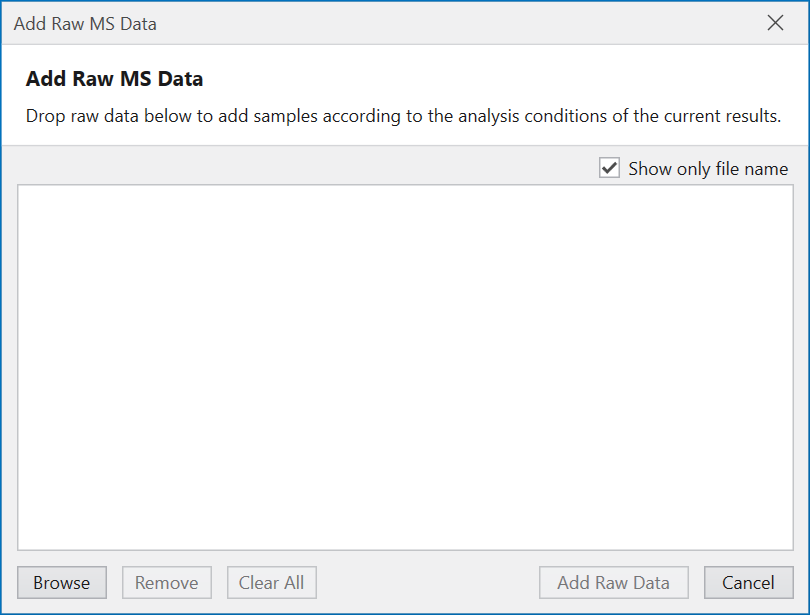
Clicking on the file icon with a + mark in the main window toolbar opens a dialog for inputting raw data.
Input the raw data you want to analyze into the blank field in the center of this dialog by dragging and dropping, or press the Browse button and select the raw data you want to input.
When you press the “Add Raw Data” button, the samples in the input raw data will be added to the analysis results.
If reference samples are present in the existing analysis results
and “Apply supervised detection…” is selected
in the Detection Criteria of
Chromatogram in
Analysis Template,
Supervised Detection will be performed
using the peak detection results of the reference samples.