Quantification Setting Page
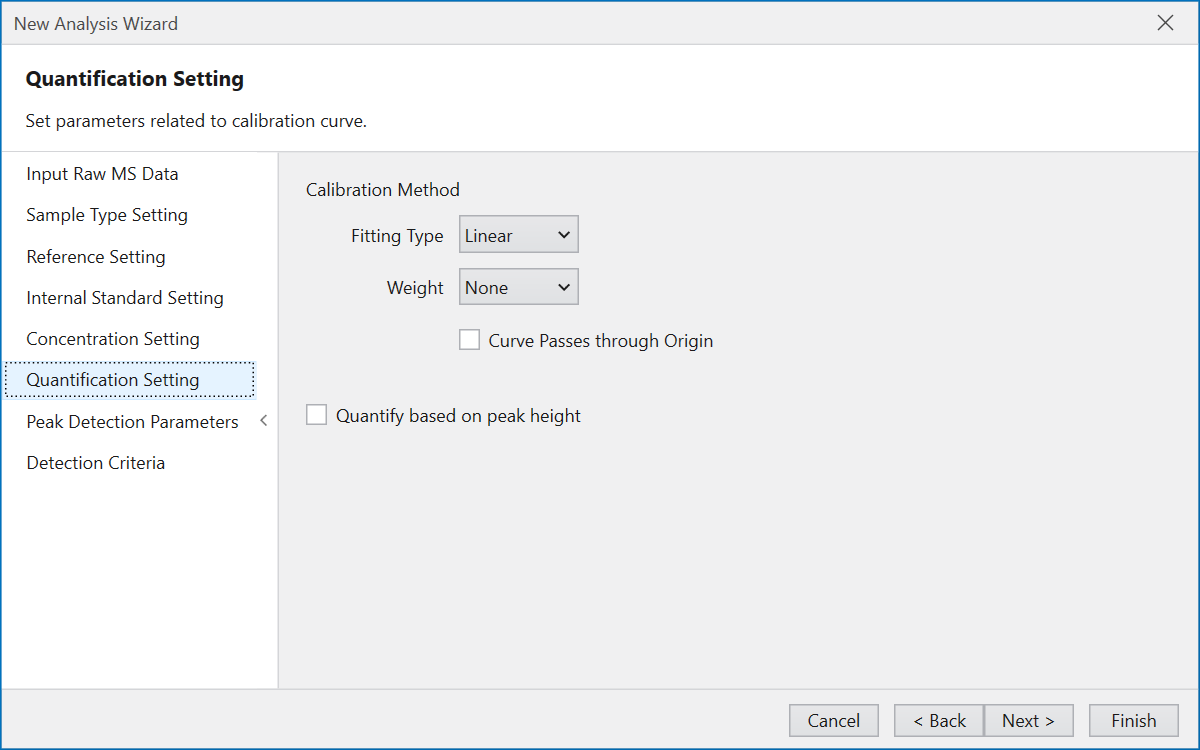
On the Quantification Setting page, configure settings for quantitative value and calibration curve.
“Calibration Method” allows you to set the fitting type and weight on creating a calibration curve.
You can set the calibration curve to pass through the origin.
These settings are applied to all compounds as default.
But it is also possible to assign different settings to each compound, using Calibration Curve Settings
in Dashboard during analysis.
If you want to create a calibration curve and calculate quantitative values using the height of the detected peak instead of the area,
check “Quantity based on peak height” to change the quantitative calculation method from area to height.
Press the Next button to move to Peak Detection Parameters Page.