Chromatogram Settings
Chromatogram Settings allows you to limit the chromatogram display range and analysis target area.
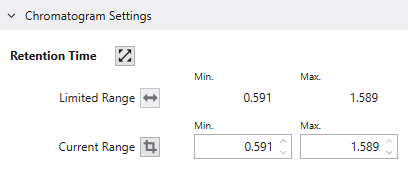
With the chromatogram display area zoomed in by Chromatogram operations,
you can lock the display area of the relevant compound by clicking the “Set as Limited RT Range” button to the right of Current Range.
Once the display area is locked, even if you reset the display area using Chromatogram operations, the display area will return to the locked area.
This function is useful when it is difficult to confirm the peak shape because the width of the detected peak is narrow compared to the whole RT range.
It improves the visibility of the peak as well as the operability of manual peak editing.
To release the locked area, press the “Reset Limited Range” button to the right of Limited Range.