Result Table Operations
The various operations on the Result Table are grouped under the Result Table Operations.
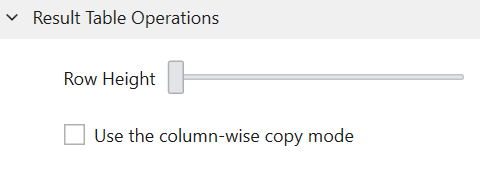
You can adjust the height of rows in the Result Table by using the “Row Height” slider. The row height is also linked to the height of the chromatograms displayed in the Result Table, so try adjusting it to a size that is easy to visually check.
The “Use column-wise copy mode” checkbox allows you to change the behavior of the Ctrl+C shortcut on the Result Table. If this checkbox is not checked, row-wise copy will be performed. On the other hand, if it is checked, the contents of the selected columns will be copied.